If you do not track why people leave, you will keep paying for the same hiring problem twice. This is why many businesses transition to structured talent acquisition services to gain better visibility. In the US, voluntary turnover costs businesses about $1 trillion a year, and replacing one employee can cost 50% to 200% of salary.
If I were shortlisting exit interview tools for a scaling company, I would group them like this:
- Deep analysis tools for teams that want lifecycle reporting tied to HR data
- Built-in HR suite options for teams already using a people platform
- Simple survey tools for low-cost setup and fast rollout
- Dedicated exit tools for teams that want offboarding automation without buying a full HR system
What matters most is simple: how much admin you remove, how much reporting you get, and how much you pay to get there.
Exit Interview & Turnover Analytics Workbook for Excel & Google Sheets | HR Retention Tool
sbb-itb-a23bd6a
Quick comparison
| Tool type | Best when you need | Main trade-off |
|---|---|---|
| Enterprise people analytics platform | Deep reporting, sentiment themes, HRIS-linked data | Higher cost, more setup time |
| HR suite add-on | Exit surveys inside your current HR workflow | Less exit-specific analysis |
| General survey tool | Low cost, fast launch, simple reporting | Less automation and weaker HR context |
| Dedicated exit interview tool | Offboarding workflow plus focused reporting | Narrower scope than a full people suite |
For CEOs, CFOs, HR leaders, and talent leaders, the decision is not about software alone. It is about cutting churn, saving team time, and getting data you can act on.
Below, I break down the main options by automation, reporting depth, integration, and SME cost fit.
1. Qualtrics Employee Experience
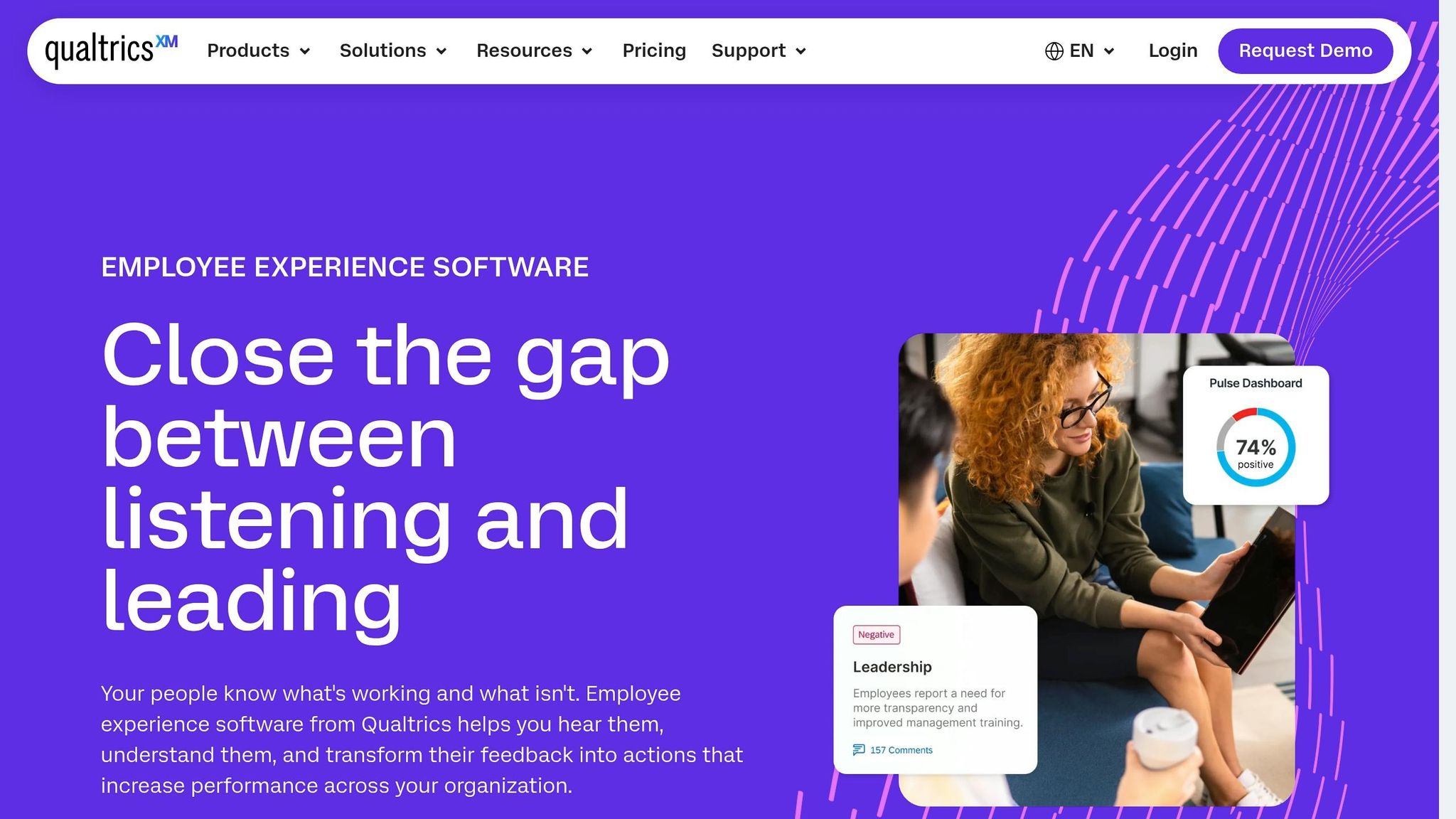
Qualtrics is built for enterprise employee experience programmes. It automates exit surveys by connecting to HRIS platforms, so when a departure is confirmed in systems like Workday, SAP SuccessFactors, or ADP, a survey can trigger automatically without manual HR input. That said, setup is heavier than with lighter tools, especially for SMEs without IT support.
For SMEs, the main issue is not what the platform can do. It is whether that level of capability is worth the setup time and price.
Exit Survey Automation
Qualtrics can trigger surveys automatically and route responses by risk level to the right managers or HR contacts. That makes it a strong fit for SMEs that want workflows tied straight to departure data, not a manual process held together by spreadsheets and follow-ups.
Analytics Depth
The platform’s main strength is its analytics depth. Its AI surfaces sentiment themes, flags attrition drivers, and breaks results down by team, tenure, and location. Those insights matter most when you can connect exit data to other employee lifecycle records, rather than looking at resignation feedback in isolation.
HRIS Integration
It also links exit data with onboarding, engagement, and manager performance data, but setup usually needs IT support. The depth is strong, but there is a clear trade-off on implementation time and cost.
SME Cost Fit
Pricing is quote-based, with enterprise-level costs that put it out of reach for many SMEs. Its overall value rating sits at 7.5/10 compared with a features score of 9.2/10 [2]. That gap is the issue for SMEs. You may get more depth than you need, while taking on more setup work than your team can comfortably handle.
| Criteria | Rating for SMEs |
|---|---|
| Exit survey automation | Strong, setup-heavy |
| Analytics depth | Advanced |
| HRIS integration | Strong, needs IT effort |
| SME cost fit | Weak, quote-based pricing, no public tiers |
Qualtrics gives you the deepest analysis in this group, but it is not the easiest option for SME rollout.
2. Culture Amp
After Qualtrics’ enterprise-heavy setup, Culture Amp gives you a broader employee experience suite that also handles exit surveys well. Exit surveys are only one part of the platform, so it tends to fit best for SMEs already using Culture Amp for engagement or performance. If you only need exit surveys, it may be more platform than you need.
That wider scope matters most when you want to read exit feedback next to engagement history. In plain terms, you’re not just seeing why people leave, you’re seeing what changed before they left.
Exit Survey Automation
Culture Amp automates exit survey distribution by triggering surveys straight from your HRIS when an employee record is updated [6]. It also supports automated reminders and HR-managed offboarding workflows [2].
For lean HR teams, that cuts manual admin and helps you keep the process consistent across every exit.
Analytics Depth
Culture Amp uses one analytics layer across exit, engagement, and pulse surveys, so SMEs can segment results by department, tenure, location, and custom fields [2]. You can also review exit feedback alongside past engagement data to track how sentiment changed over time [2].
That matters if you want more than surface-level reporting. Instead of looking at exits in isolation, you can spot patterns earlier and tie them back to team performance, manager trends, or retention risk.
It scored 9.2/10 in a 2026 evaluation of exit interview software [2].
HRIS Integration
Culture Amp connects with major HR and workplace systems to cut down on manual exports [2]. There is some upfront administrator setup, though, so SMEs without dedicated HR ops support may find the rollout slower [2].
For smaller teams, that can be the sticking point. The platform can do a lot, but you may need more internal time to get it set up cleanly.
SME Cost Fit
Pricing is quote-only, with no public tiers [3]. Advanced reporting and workflow features are usually kept for higher-tier plans, which can make budget planning harder for smaller organisations [2].
For SMEs, that often means paying for a broader suite than exit analytics alone calls for.
The trade-off is simple: more depth, more scope, and often more cost.
| Criteria | Rating for SMEs |
|---|---|
| Exit survey automation | Strong, HRIS-triggered |
| Analytics depth | Advanced, cross-lifecycle insights |
| HRIS integration | Strong, requires admin setup |
| SME cost fit | Moderate, quote-only, bundled pricing |
Culture Amp makes the most sense if your team is already invested in people analytics and wants exit data sitting alongside engagement history. If you’re starting from scratch and only need exit interviews, the setup time and cost may be hard to justify.
3. Lattice
Where Culture Amp is a broader analytics suite, Lattice is the lighter embedded option. It offers a lightweight exit module inside a broader HR suite. That makes it a sensible fit for SMEs already using Lattice for performance or engagement, but it is not a dedicated analytics tool.
Exit Survey Automation
Because exit surveys are native to the platform, triggers can be tied directly to employee status changes within Lattice itself [3]. There is no separate tool to set up or sync. If your team already runs HR workflows in Lattice, the extra lift should be low.
For lean HR teams, that matters. Less setup usually means less admin time and fewer handoffs.
Analytics Depth
The analytics are useful, but they have limits. Lattice lets you connect exit feedback to an employee’s engagement and performance history, which gives HR teams more lifecycle context than a basic survey tool [3].
That extra context can help you spot patterns across the employee journey. You may see links between attrition, manager performance, or engagement dips. But if you want deep exit-specific analysis, Lattice will not go as far as a specialist platform.
There is also a trust issue to weigh up. About 70% of employees withhold honest feedback in internal exit interviews, while independent tools often get more candid responses [3]. If anonymous third-party feedback is a big part of your plan, that trade-off matters.
So in practice, Lattice fits SMEs that want exit surveys built into day-to-day HR operations, not deep standalone analysis.
HRIS Integration
The upside is clear if you are already in the Lattice ecosystem. Exit interviews sit inside the same system, which keeps workflows simple.
The downside is just as clear. If exit interview functionality is all you need, you are adopting a full HR suite to solve a narrow problem. That can add setup overhead and push up total cost [2].
SME Cost Fit
Lattice does not publish flat pricing, and it does not break out exit module costs in public pricing material [2]. Pricing is quote-based, so budget clarity can be limited at the evaluation stage.
For current Lattice users, the case is easier to make. You are adding a module to a system you already use, which can cut admin time and avoid another vendor. For teams looking at Lattice mainly for exit interviews, the cost-to-value picture is weaker when standalone tools can start at $30/user/month [6].
| Criteria | Rating for SMEs |
|---|---|
| Exit survey automation | Strong, native to platform |
| Analytics depth | Lightweight, lifecycle context only |
| HRIS integration | Strong within Lattice ecosystem |
| SME cost fit | Good if already a Lattice user; harder to justify otherwise |
Lattice makes the most sense when exit surveys are one part of a broader HR investment you have already made. For teams that need deeper exit-specific analytics, the next tools go further.
4. Workday Peakon Employee Voice
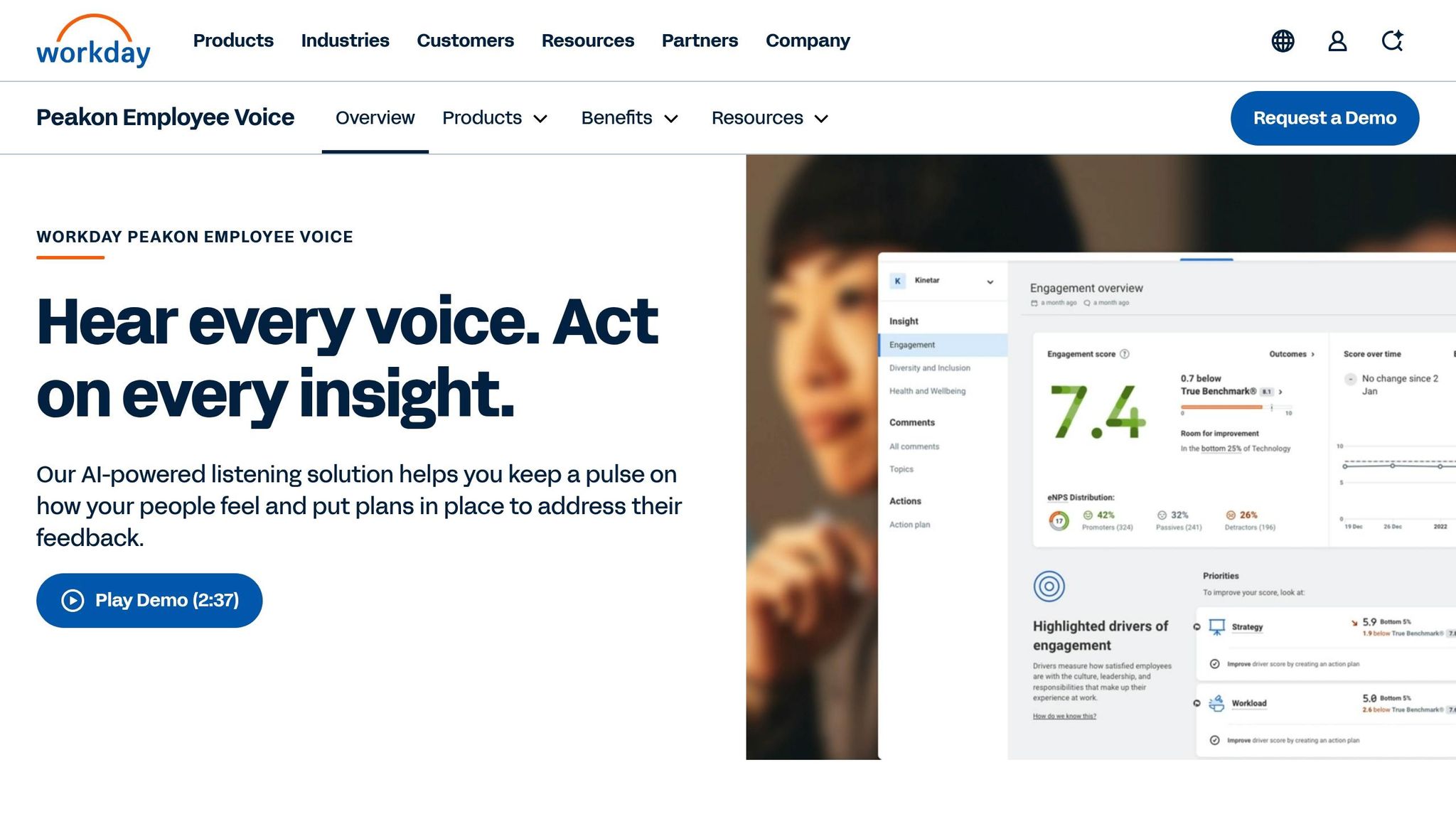
Where Lattice keeps things lighter, Workday goes much deeper on automation and workforce analysis. Workday Peakon Employee Voice sits inside Workday HCM as an enterprise listening platform. If you already use Workday, the fit is natural. If you do not, the setup and admin load can be hard to defend.
Exit Survey Automation
Surveys can trigger on their own when an employee’s status changes in Workday. HR teams can set up exit workflows and flag alerts for high-risk comments that need follow-up [6][7].
Analytics Depth
Exit feedback links with recruiting and performance data, which gives you a connected view across the employee lifecycle. Real-time dashboards show turnover trends, attrition costs, and sentiment analysis across the workforce. For a large business, that level of detail can help. For a smaller team, it can feel like more platform than you need [6].
HRIS Integration
Exit interviews run natively in Workday, so you do not have to deal with third-party syncs or manual data transfers. Workday also includes configurable business processes, alerts, and enterprise compliance features, including multi-language surveys and regional privacy compliance. That matters most when you have scale, more governance, and teams working across markets [6].
SME Cost Fit
Workday does not publish pricing, but implementation costs are high and the platform is built for enterprise teams rather than SMEs. The question is not whether it can do the job. It is whether your team can justify the cost, setup time, and admin burden. For many lean HR teams, the learning curve and training load are simply too much [6].
| Criteria | Rating for SMEs |
|---|---|
| Exit survey automation | Strong, HRIS-triggered and configurable |
| Analytics depth | Enterprise-grade, full lifecycle view |
| HRIS integration | Best-in-class within Workday HCM |
| SME cost fit | Low, high cost and complexity for smaller teams |
For most SMEs, the next set of tools is usually a better match for budget, rollout speed, and day-to-day team capacity.
5. SurveyMonkey
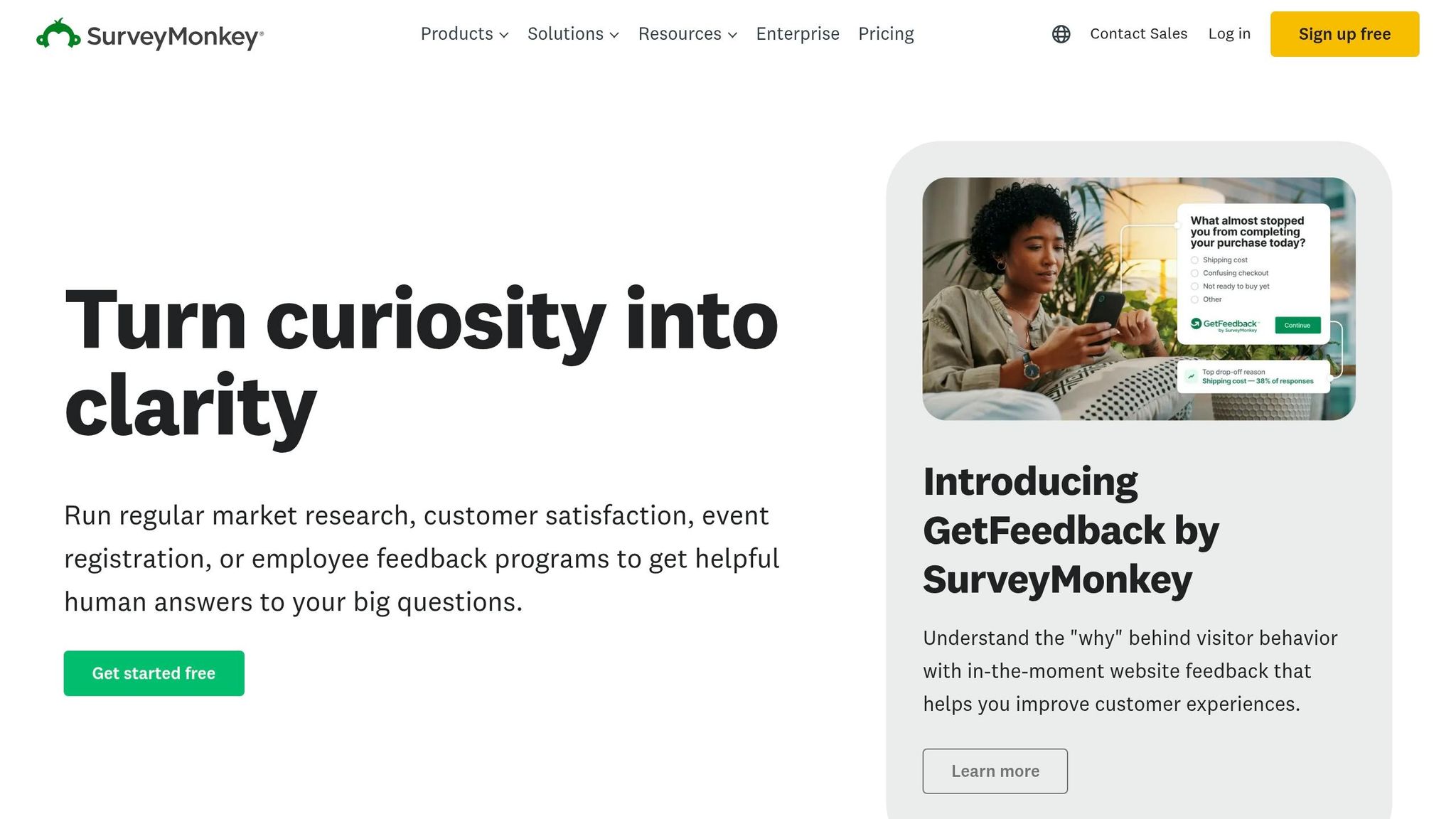
If enterprise-level employee listening feels like too much, SurveyMonkey gives you a simpler way to collect and review exit feedback. For SMEs, it’s a low-friction option that helps you gather exit interview data without the weight of a large HR platform.
Exit Survey Automation
SurveyMonkey leans on AI drafting and ready-made templates, rather than HRIS-triggered workflows. You can generate an exit interview in under a minute, and the platform includes 90+ employee feedback templates. It also lets you prefill fields like department, tenure, job level, and manager [4].
That matters if you want to get a process live fast, without pulling in HR, IT, and ops just to launch one survey.
Analytics Depth
Once responses start coming in, SurveyMonkey turns them into simple, useful trend reporting. Its text analysis groups open-ended answers into themes. Longitudinal analysis helps you track exit trends over time. Top-two-box scoring also makes closed-ended responses easier to compare at a glance [4].
For most SMEs, that level of reporting is enough to spot patterns, flag manager issues, or see where early attrition is hitting hardest.
SurveyMonkey case data shows that one company used exit feedback to build a retention strategy and increase average tenure from about 90 days to 1.5 years [4]. You do give up some automation and deeper analysis compared with enterprise tools, but the reporting is still usable and action-focused for most SME teams.
HRIS Integration
The reporting becomes more useful when it connects with the tools your team already uses. SurveyMonkey integrates with 200+ apps, and the Enterprise tier adds more advanced integration options. That gives growing SMEs room to start simple and add more connected workflows later [4].
SME Cost Fit
The Basic plan is free, though it’s capped at 25 responses per survey. Paid plans scale with team size, and Enterprise adds extra security and admin controls [4].
For SMEs watching spend, that pricing model makes sense:
- Free entry point for testing exit surveys
- Paid plans for growing response volume
- Enterprise options when admin control and security start to matter more
| Criteria | Rating for SMEs |
|---|---|
| Exit survey automation | Moderate, AI drafting and templates, with less workflow automation than HRIS-triggered tools |
| Analytics depth | Practical, text analysis, trend tracking, and exportable reports |
| HRIS integration | Good, 200+ app integrations, with stronger capabilities at Enterprise tier |
| SME cost fit | High, free entry point with scalable paid plans |
SurveyMonkey suits SMEs that want quick setup, low cost, and reporting they can act on, without committing to a full HR suite.
6. Typeform
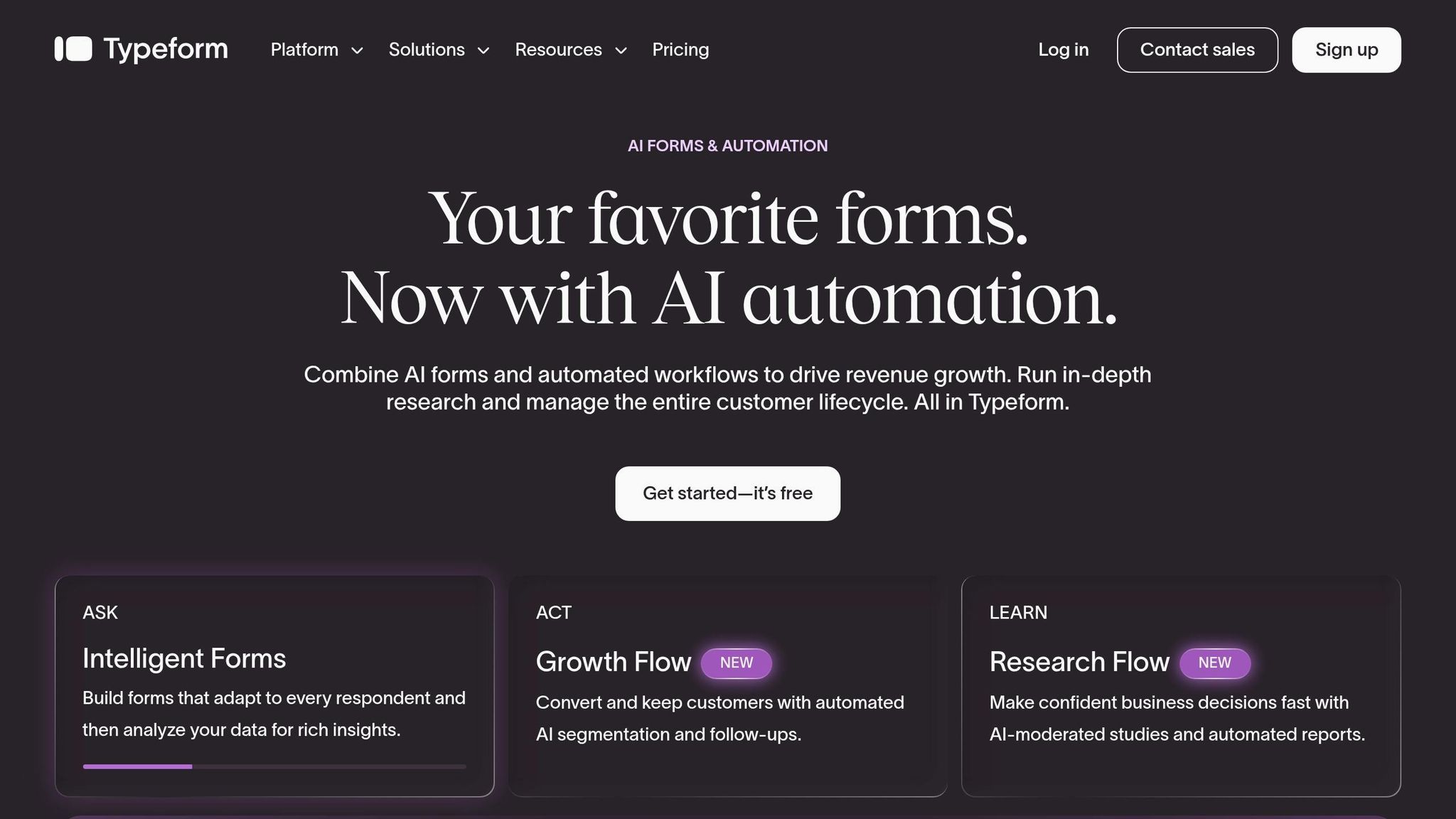
If you want a smoother, more polished exit survey experience without moving into a full HR suite, Typeform is a solid step up. It uses a conversational, one-question-at-a-time format that tends to improve completion rates and works well on mobile. Its main strength is response quality, not deep retention analysis. [2]
Exit Survey Automation
Typeform’s strongest automation feature is branching logic. That lets you tailor follow-up questions based on reason for leaving, department, or manager. [2]
In practice, that means people see more relevant questions, which can lead to better responses.
Typeform does not natively trigger surveys from HRIS events, send reminders, or manage employee record sync. Most teams rely on Zapier or manual workarounds instead. [2]
So while it’s strong at collecting feedback, it’s less useful when you need a joined-up offboarding workflow.
Analytics Depth
Typeform gives you real-time dashboards and exports for basic trend and sentiment review, but it does not offer HR-specific analytics. [2] For SMEs, that means it works best as the collection layer, not the analysis layer.
If your team just needs clean survey data, that may be enough. If you want to spot patterns by manager, team, or attrition risk over time, you’ll likely need another tool to do that properly.
HRIS Integration
Typeform does not offer native HRIS integrations for exit workflows. Connecting it to your HR stack usually means using third-party tools. For SMEs without HR ops support, that adds time and upkeep. [2]
That extra admin matters. A low-cost tool can stop looking low-cost once your team starts patching things together manually.
SME Cost Fit
The entry tier is accessible, but branding, collaboration, and higher response volume can push teams into paid plans quite fast. Typeform’s 6.8/10 score reflects its strength as a form builder, not an HR analytics tool. [2] Choose it when design and completion rates matter more than HR workflow automation.
| Criteria | Rating for SMEs |
|---|---|
| Exit survey automation | Moderate, strong branching logic, but no native HRIS triggers or reminders |
| Analytics depth | Basic, real-time dashboards and exports, but limited HR-specific reporting |
| HRIS integration | Limited, usually requires third-party connectors |
| SME cost fit | Moderate, low entry point, but advanced features require paid tiers |
Typeform suits SMEs that care more about completion rates and polished survey design than deep HR analytics.
7. Xref
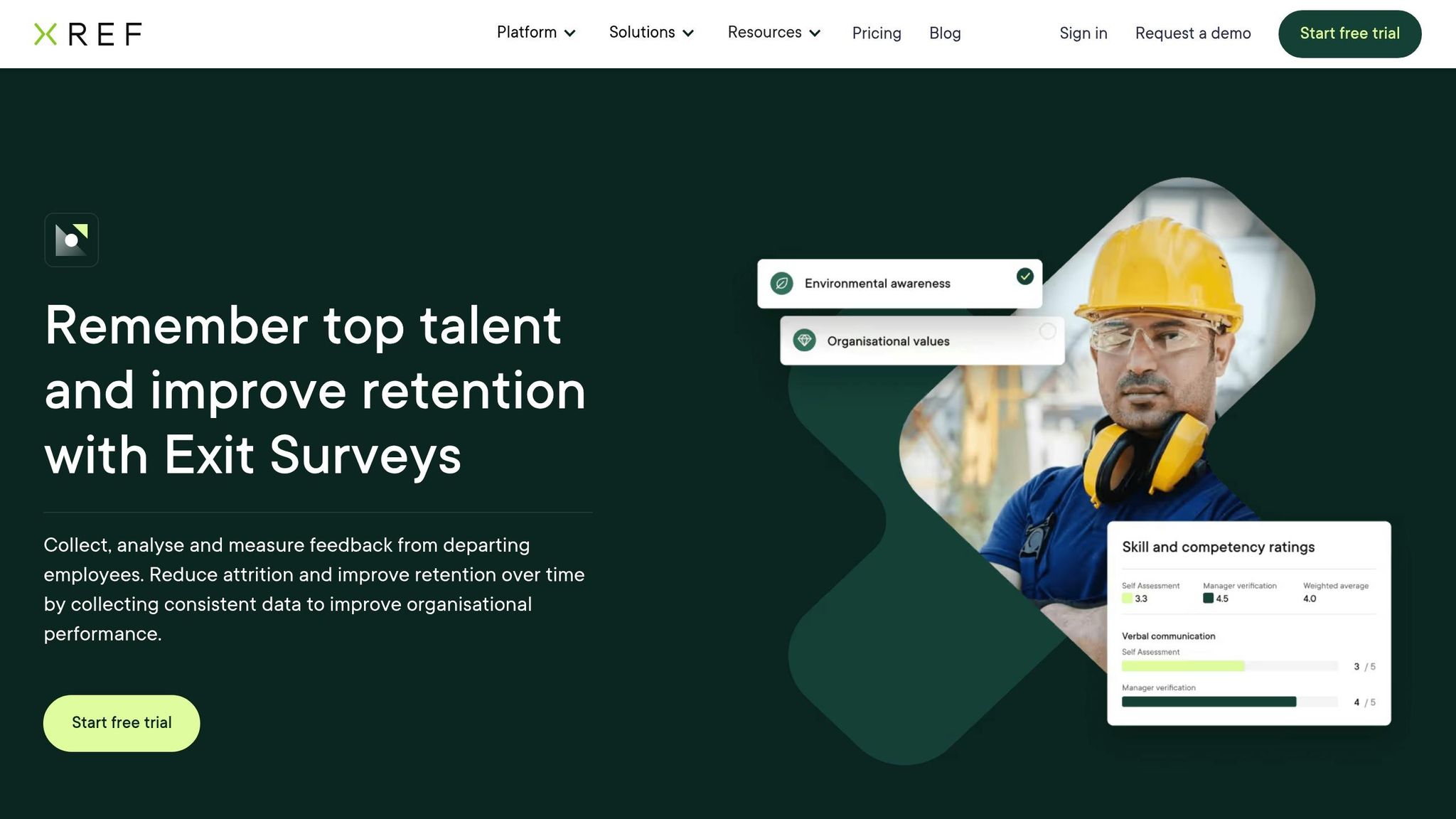
Xref is a better fit for SMEs that want a tool built for exit interviews, not a general survey platform stretched to do the job. It is a purpose-built exit interview tool for SMEs that need automated offboarding surveys and simple analysis.
Exit Survey Automation
Xref sends exit surveys in bulk to up to 5,000 employees by email or SMS, with personalised notes and automated reminders [5]. Xref Exit can also trigger surveys when an employee’s status changes in a connected HRIS or ATS [1][7].
For lean HR teams, that matters. Less admin, fewer manual follow-ups, and a more consistent offboarding process.
Analytics Depth
Xref Insights uses NLP to group open-ended feedback into themes and sentiment scores, which makes repeat issues easier to spot [1]. That gives HR teams a faster way to identify turnover themes without manual coding.
If you’re trying to spot patterns across exits, this helps you move from raw comments to action much faster.
HRIS/ATS Integration
Xref’s Integrations module helps streamline HR workflows, and users rate setup ease at 9.3/10 [5].
That ease of setup is a big deal for SMEs. You get the workflow in place without dragging your team into a long rollout.
SME Cost Fit
Xref is a practical SME fit for teams that want dedicated exit workflows, NLP analysis, and straightforward integration.
| Criteria | Rating for SMEs |
|---|---|
| Exit survey automation | Strong, bulk sending, email/SMS delivery, automated reminders, and HRIS/ATS-triggered surveys |
| Analytics depth | Good, NLP categorises open-ended feedback into themes and sentiment scores |
| HRIS/ATS integration | Strong, Integrations module and easy setup |
| SME cost fit | Moderate, focused and easy to scope |
8. ExitPro
ExitPro is built for exit surveys, not as a small add-on inside a larger HR system. That makes it a better fit when you want a dedicated exit workflow with little setup and clear ownership.
If your team needs to run exit interviews at scale without building the process from scratch, ExitPro is worth a close look.
Exit Survey Automation
ExitPro automates scheduling, collection, processing, and reporting. Its Boost feature claims up to 3x higher completion rates [8]. It also offers a 15-second exit interview format to cut friction for leavers [8].
You can run surveys in both confidential and anonymous modes, which can help teams get more honest feedback [8]. For busy HR teams, that kind of automation means less admin and a smoother offboarding process.
Analytics Depth
ExitPro provides reporting and real-time insight into employee trends and feedback [8].
That matters if you want more than raw survey responses. You need to spot patterns, flag repeat issues, and turn exit data into action. For HR leaders and CEOs, that makes exit feedback easier to tie back to retention risk, manager issues, or team-level churn.
HRIS Integration
ExitPro offers guaranteed real-time HRIS data integration, and it says setup takes just minutes [8].
It also supports surveys in 21 languages across six continents [8]. If you hire across the US, Ireland, Australia, or the Middle East, that helps keep the process consistent across regions without adding manual work.
SME Cost Fit
The basic plan starts at $79/month [8].
That price may feel high for smaller teams, especially since most templates are not customisable and extra fees may apply for added features [8]. In plain terms, the entry cost is only part of the picture. You may need to budget for add-ons if you want more control over the workflow.
| Criteria | Rating for SMEs |
|---|---|
| Exit survey automation | Strong, full lifecycle automation, Boost feature, 15-second exit interview option, anonymity controls |
| Analytics depth | Strong, reporting and real-time insight into trends and feedback |
| HRIS integration | Strong, guaranteed real-time sync, fast setup |
| SME cost fit | Weak, $79/month entry price, limited template flexibility, possible add-on fees |
These trade-offs matter most when you compare automation, analytics, integration, and cost side by side.
How Each Tool Compares Across 4 Key Buying Criteria
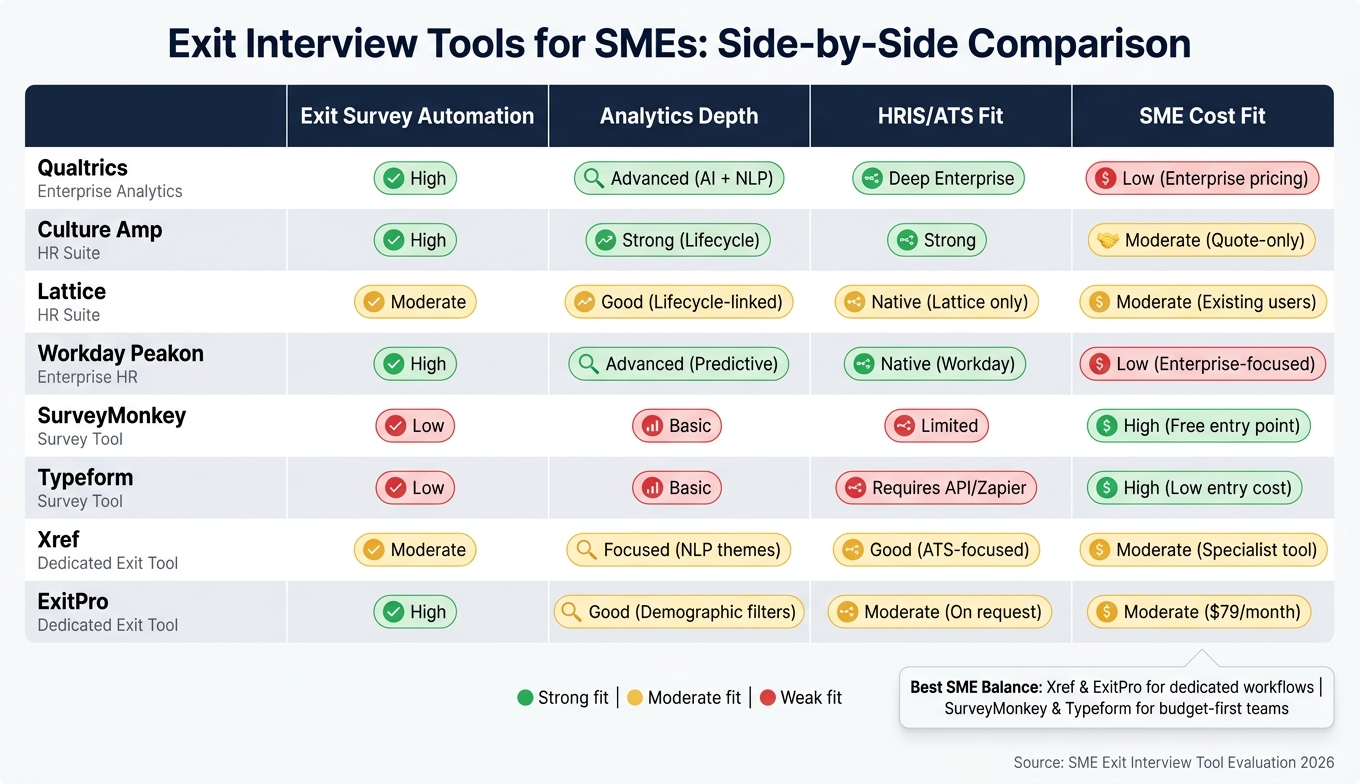
Exit Interview Tools for SMEs: Side-by-Side Comparison
Choosing the right tool usually comes down to four things: survey automation, analytics depth, HRIS or ATS fit, and cost.
That sounds simple. In practice, it is a trade-off.
Some tools make survey delivery easy but come with enterprise pricing. Others are low-cost and simple to start with, but you’ll give up analytics or integration. For smaller teams, that’s the key call: where do you want to spend, and where can you live with less?
Use this summary to cut down your shortlist before you get into the pros and cons. The table below brings the comparison into four buying criteria.
| Tool | Exit Survey Automation | Analytics Depth | HRIS/ATS Fit | SME Cost Fit |
|---|---|---|---|---|
| Qualtrics | High, automated HRIS triggers | Advanced, AI, NLP, statistical modelling | Deep, enterprise HRIS | Low, enterprise pricing, sales-led |
| Culture Amp | High, workflow-driven | Strong, thematic, sentiment, lifecycle | Strong, standard HRIS | Moderate, quote-only pricing |
| Lattice | Moderate, module-based | Good, lifecycle-linked | Native, within the Lattice suite | Moderate, best for existing users |
| Workday Peakon Employee Voice | High, native HRIS trigger | Advanced, predictive, benchmarked | Native, Workday | Low, enterprise-focused |
| SurveyMonkey | Low, manual, link-based | Basic, branching logic | Limited, manual exports | High, public tiered pricing |
| Typeform | Low, form-based | Basic, logic-driven | Requires API or Zapier | High, tiered, low entry cost |
| Xref | Moderate, specialised workflow | Focused, reference and exit data | Good, ATS-focused | Moderate, specialist tool |
| ExitPro | High, specialised, 15-second sends | Good, demographic filters | Moderate, on request | Moderate, starts at $79/month, with add-ons possible |
The split on analytics is similar. Qualtrics and Culture Amp go furthest if you want deeper analysis. SurveyMonkey and Typeform make more sense if your team only needs basic reporting.
Cost is often the last filter, and for many SMEs, it’s the one that decides the shortlist. Qualtrics and Workday Peakon Employee Voice sit more on the enterprise side. SurveyMonkey and Typeform are the lowest-cost options. The middle group tends to give SMEs the best balance between price, reporting, and workflow support.
The next section looks at the specific strengths and weaknesses of each tool.
Pros and Cons of Each Tool
This summary helps you separate tools built for active HR analysis from tools that mainly help you collect data.
If your team wants trend analysis, sentiment scoring, and reporting that leaders can act on, some of these platforms go much further than a basic survey tool. If you just need to get exit feedback in place fast, a lighter option may do the job.
| Tool | Pros | Cons | Best Fit |
|---|---|---|---|
| Qualtrics | Deep analytics and sentiment scoring; validated survey questions | High setup complexity; enterprise pricing | Large SMEs with a dedicated HR analyst |
| Culture Amp | Links exit data to engagement history in one place | Significant admin setup; quote-only pricing | Data-driven SMEs already running engagement programs |
| Lattice | Seamless integration with existing HR workflows; lightweight lifecycle option | Less specialized than dedicated exit tools | SMEs using Lattice for performance management who want a lightweight exit add-on |
| Workday Peakon Employee Voice | Automated HRIS-triggered surveys; real-time dashboards | Too costly outside Workday; enterprise-focused | SMEs already running Workday HCM |
| SurveyMonkey | Easy setup; flexible branching; low entry cost | No native HRIS integrations; light reporting | Budget-conscious SMEs that need simple data collection fast |
| Typeform | Conversational UI drives higher completion rates | No native HRIS integration; no specialized retention analytics | SMEs with a mobile-first or deskless workforce |
| Xref | Purpose-built exit workflows; NLP-driven theme analysis; easy setup | Focused scope may limit broader HR analytics needs | SMEs that want dedicated exit automation without a full HR suite |
| ExitPro | Fast distribution; strong demographic filtering | Reorgs can require manual hierarchy updates; $79/month entry with possible add-on fees | SMEs focused on identifying root causes of turnover quickly |
The right choice comes down to a simple trade-off: how much analysis do you need, and how much setup can your team handle?
Some teams need a full people analytics layer. Others just need clean exit data, collected on time, without adding admin work. The best fit depends on your team size, your current systems, and the level of reporting your leaders expect.
Conclusion
The right tool comes down to three things: the level of analysis you need, your current HR stack, and how much setup your team can take on.
On that basis, these tools fall into three clear groups.
If you need deeper reporting that connects exit data with engagement and onboarding history, Qualtrics and Culture Amp are the strongest fit.
If you already run performance or engagement programmes in Lattice or Workday Peakon, keeping exit feedback in the same system cuts friction and saves time.
For lean teams without IT support, simple usually wins. SurveyMonkey and Typeform work best when speed and simplicity matter more than advanced analysis. Fast deployment matters when your team needs usable exit data quickly.
Prioritise automation, enough reporting depth, and clean integration with your HR stack.
FAQs
How do I choose the right exit interview tool for my team?
Start with your main goal. If you need deeper insight, put anonymous, asynchronous feedback first and use AI-driven thematic analysis to spot patterns fast.
If workflow fit matters more, choose either a lightweight automated survey tool or a broader employee engagement suite that connects with your HRIS.
Also look at mobile access, branching logic, trend reporting, and data security. The right tool should turn feedback into clear, actionable patterns without forcing your team into manual transcript review.
What features matter most for SME exit interview analytics?
The most important features are:
- Automated, timely distribution during offboarding
- Anonymous/confidential collection
- Advanced analysis of open-text into sentiment, themes, and prioritised drivers
- Integration with other lifecycle data
These features matter because they protect response rates, make people more likely to speak plainly, and help you link exit feedback to earlier warning signs. That gives you the context to assign actions, spot patterns sooner, and make better decisions before the same issues hit retention, team output, or hiring costs again.
Can a simple survey tool be enough for exit interviews?
A simple survey tool can collect basic exit feedback, but that usually falls short if you want useful retention analysis in an SME.
Digital forms or spreadsheets often miss the context that gives exit data meaning. That includes tenure, manager relationships, and past engagement scores. Without that extra layer, you get comments and numbers, but not much clarity on why people leave.
There’s also the time cost. Most teams still have to sort, review, and interpret the data by hand. That slows everything down and keeps HR stuck in reporting mode, instead of finding patterns and trends you can actually act on.